
Office Address

#74 M.M. Road, Frazer Town, Bangalore, 560005

Phone Number

+91 8025498100

Email Address

info@nlplabs.co.in

Simplify your online experience

Stay secure and save time with our seamless password manager and form filling solution

Generate and save passwords

Say goodbye to weak and reused passwords. With our Password Manager, you can instantly generate strong, unique passwords for every account and save them in a secure, encrypted vault. This ensures your logins remain safe from hackers while freeing you from the burden of remembering dozens of complex credentials.

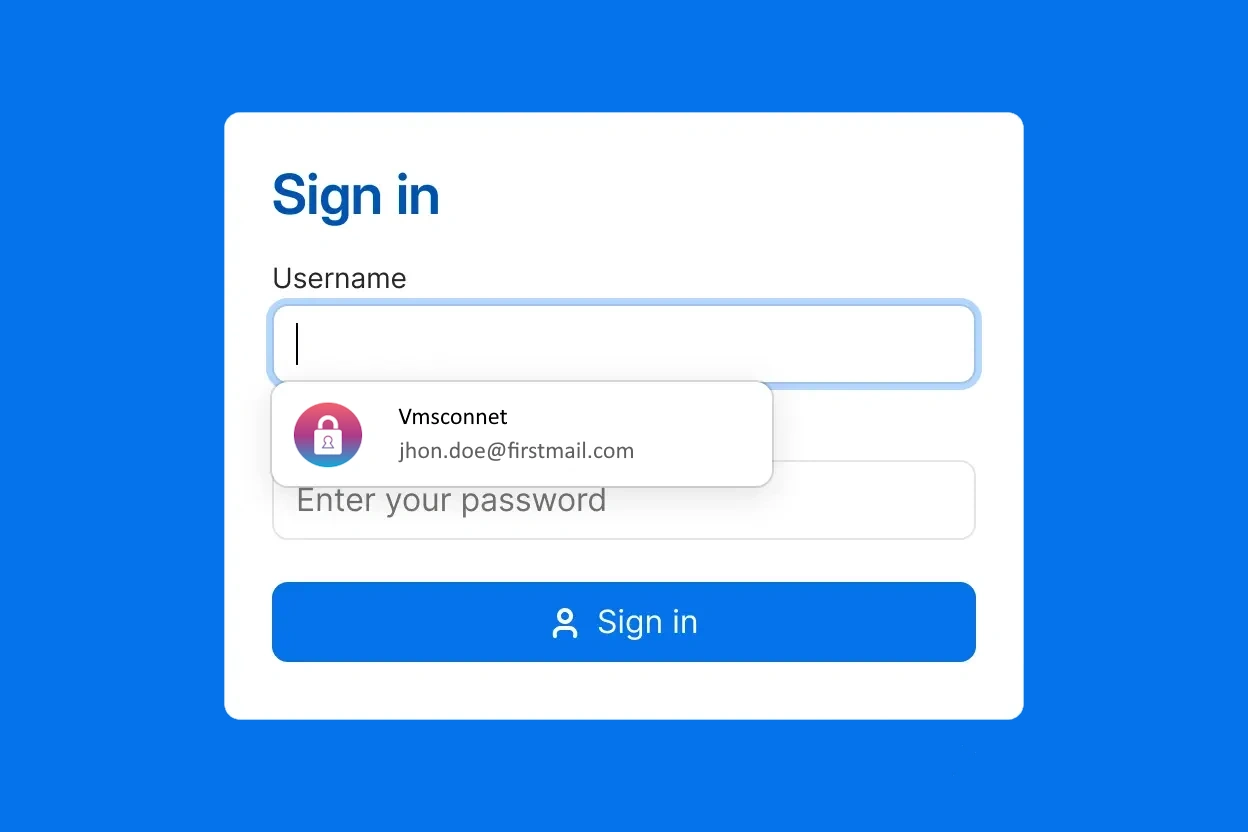
One click Logins and form filling

Logging in has never been easier. Our tool remembers your credentials and fills them in automatically, giving you one-click access to websites, apps, and even complex online forms. No more wasted time typing or struggling to recall details — just fast, seamless, and secure logins whenever you need them.
Access your saved information on any device

Your data goes with you wherever you are. Whether you’re at the office, at home, or on the move, your saved passwords and secure information sync instantly across desktop, mobile, and tablet. Enjoy peace of mind knowing your accounts are accessible and protected on every device you use.
Password Manager FAQs

Find quick answers to common questions about our Password Manager.

A password manager is a digital tool that helps you keep all your login details safe and organized. Instead of remembering dozens of usernames and passwords, you store them in one secure, encrypted vault that only you can access with a single master password. Most password managers also generate strong, unique passwords for every account and automatically fill them in when you log in to websites or apps. Many modern solutions go further, offering extra protections such as two-factor authentication, breach alerts, and secure password sharing with teammates or family members. In short, a password manager makes online security simple while reducing the risk of hacks and data breaches.
While browsers like Chrome or Keychain can save passwords, a dedicated password manager offers far more security and flexibility. It works across all devices and browsers, even in private mode, and includes advanced features like strong password monitoring, secure sharing, and emergency access. Many also come with extras such as built-in authenticators and support for app logins, making them safer and more reliable than basic browser storage.
Yes, a password manager is secure. It uses strong, multi-layer encryption to protect your data, so even if someone gains access to your account, your information remains locked. Along with your master password, an additional security key ensures only you can decrypt and access your vault, keeping your credentials safe from attackers.

Secure your digital life with Password Manager

Protect your logins, financial accounts, and personal data with ease. Our Password Manager keeps your digital life safe and worry-free.
Interested? Request a demo today and see how simple security can be.

Request a Demo